.webp)
Resources
August Product Update: More Ways to Pay, More Tickets Sold
New Payment Methods Are Here with Stripe
.webp)
Let's be honest: every extra step between your attendee and the "Complete Purchase" button is a chance for them to change their mind. A dead card. A wallet they left in the other bag. A "let me do this later" that turns into never.
So we did something about it.
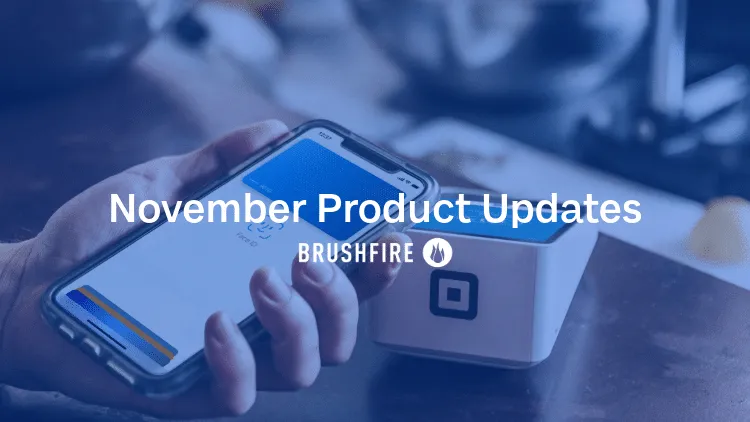
We rebuilt our Stripe integration from the ground up, and it comes with more than a fresh coat of paint. Your checkout can now support a whole lineup of payment methods your attendees already use every day, and there’s no extra work required on your end.
What's Available Right Out of the Box
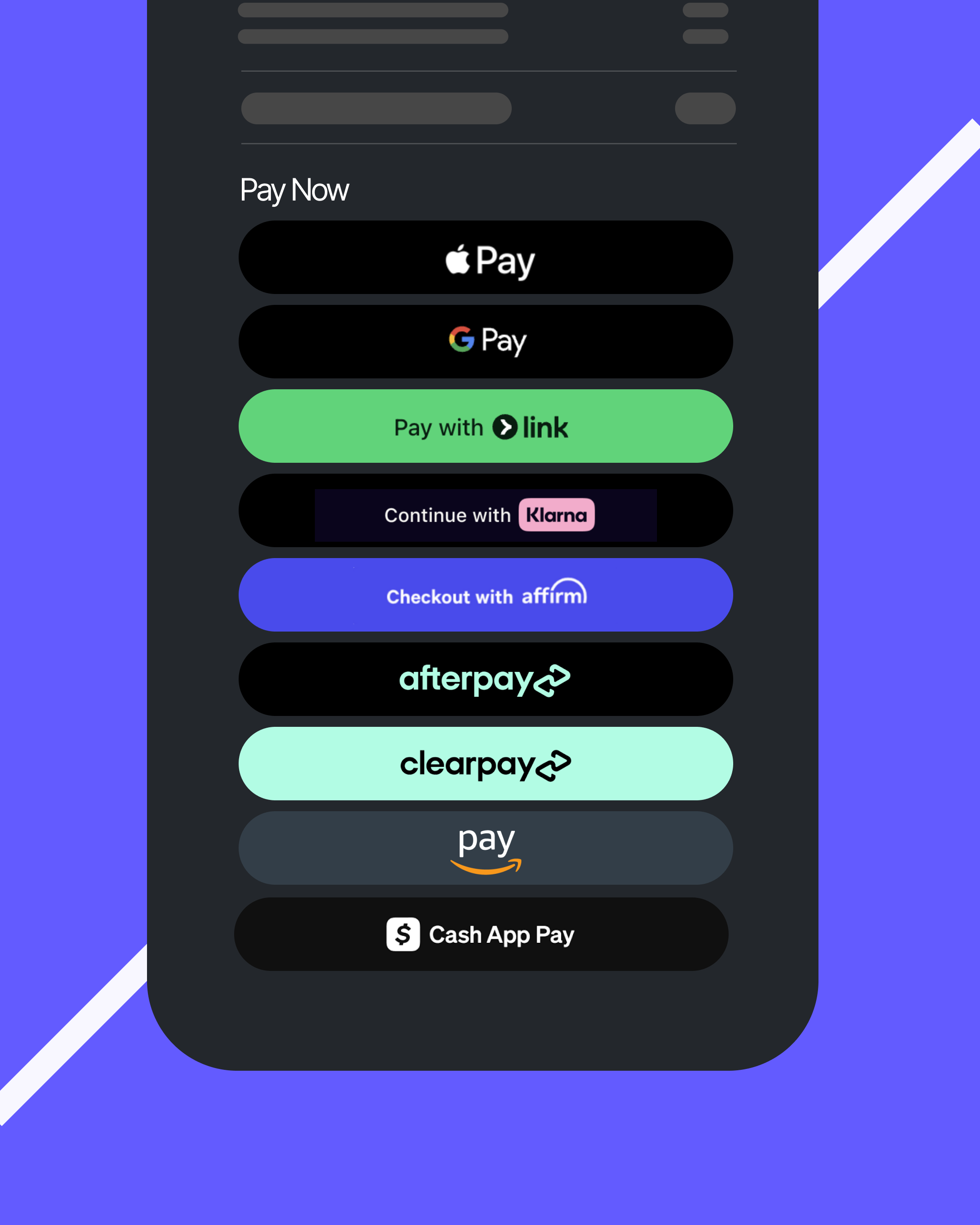
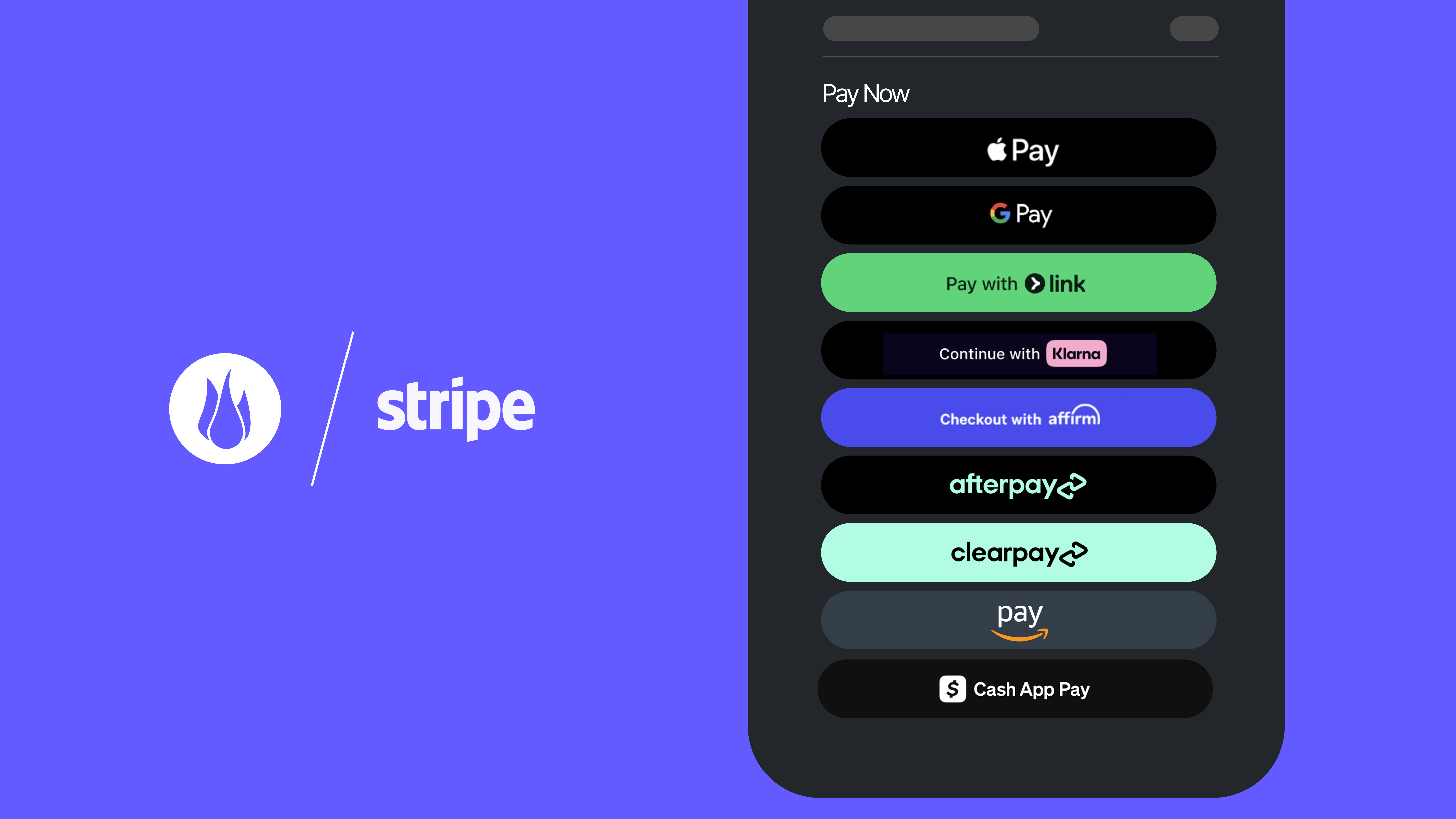
The moment you're connected to Stripe on Brushfire, these payment methods are ready to go for your attendees:
- Cards — the classic, still going strong
- Apple Pay — one tap, done
- Google Pay — same idea, different pocket
- Link — Stripe's own saved-payment shortcut, so returning buyers check out even faster
- Klarna — buy now, pay later
- Affirm — flexible payment plans for bigger-ticket events
- Afterpay / Clearpay — split it into four, no interest
- Amazon Pay — checkout with the account they already trust
- Cash App Pay — a favorite for a whole generation of ticket buyers
That's a lot of ways to say "yes" to a ticket. As you enable more payment methods in your Stripe dashboard, your checkout can support more of them too, with no extra configuration needed in Brushfire (though a few methods may require their own approval steps with Stripe first).
Why This Matters for You
- Fewer abandoned carts. Attendees pay with what's already saved on their phone instead of digging for a card.
- A checkout that meets people where they are. Different audiences trust different payment methods — now you can offer the ones that fit yours.
- Zero extra setup. These methods appear automatically based on your Stripe settings, your attendee's location, and your event's currency.
- A modern, streamlined look. The new checkout experience is cleaner and faster, with digital wallets like Apple Pay and Google Pay showing up right on the cart summary page before your attendee even opens the checkout form.
The Bottom Line
Selling tickets should feel as easy as buying them. With this update, we're putting the payment methods your attendees already trust right in front of them and giving you the flexibility to offer even more, straight from your own Stripe dashboard.
Have questions about connecting or reconnecting your Stripe account? Reach out to our support team; we're happy to help you get set up.
“ticketing”
50 articles found
Show all
Serving up Success a perfect partnership
Serving up Success a perfect partnership
Serving up Success a perfect partnership
.svg)
Related Blogs


Ready to stop
.avif)